
Click to Pay: a new way to shop online
What is Click to Pay?
Click to Pay is a feature linked to your Visa Debit and Credit card that makes checking out online seamless and secure. With Click to Pay, you no longer need to enter your card details every time you make a purchase. Instead, enjoy a seamless checkout experience across participating merchants worldwide.
Note: You may see a hold of $0 from Visa Provisioning Service on your accounts with a linked card. This is a verification check only, and no funds will be taken from your account.
Features of Click to Pay
Whether you're shopping on your computer, tablet, or smartphone, your checkout process will be quick and effortless.

Simple

Secure

Convenient
Shop online with Click to Pay
1. Look for the Click to Pay icon
Select Click to Pay at checkout and enter your email and mobile number.
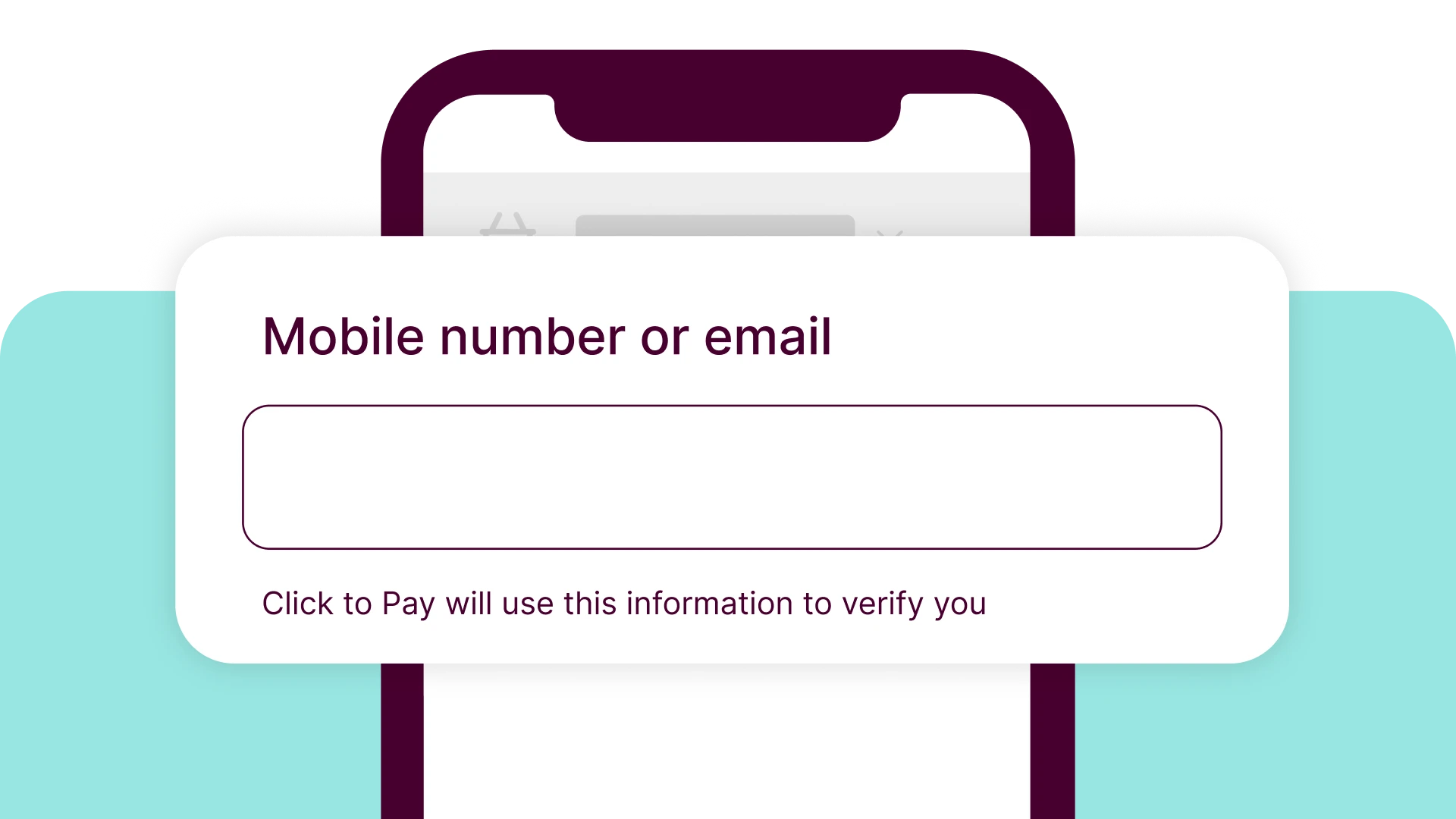
2. Verify that it’s you
Provide your email address or mobile number to find your linked Click to Pay card(s). You’ll receive a one time code to confirm it’s you.
3. Complete your purchase
Select your preferred card and checkout.
Frequently asked questions
Click to Pay uses Visa's advanced security measures to protect your card information. Your actual card number is not shared with merchants, meaning it's more secure.
No, Click to Pay is a complimentary service provided by Visa to enhance your online shopping experience. There are no additional fees associated with using Click to Pay.
Other transaction fees and charges may apply. For more information, please read the full list of account fees and charges.
You can request to remove your card from Click to Pay by contacting us.
If you experience any difficulties with Click to Pay, first verify that your internet connection is stable and ensure you’re using your correct email address and mobile number. If issues persist, please contact us on 1300 228 228 during business hours or visit your nearest branch for assistance.
You may see a $0 amount on hold from Visa Provisioning Service as part of a card verification check performed for Click to Pay. This is not a charge, and no funds will be taken from your account.
This transaction will disappear within 3-7 days.
Because we're here to help

Talk to the team

Find your local branch

Get answers online
Important information
The Click to Pay icon is a trademark owned by and used with permission of EMVco, LLC.